

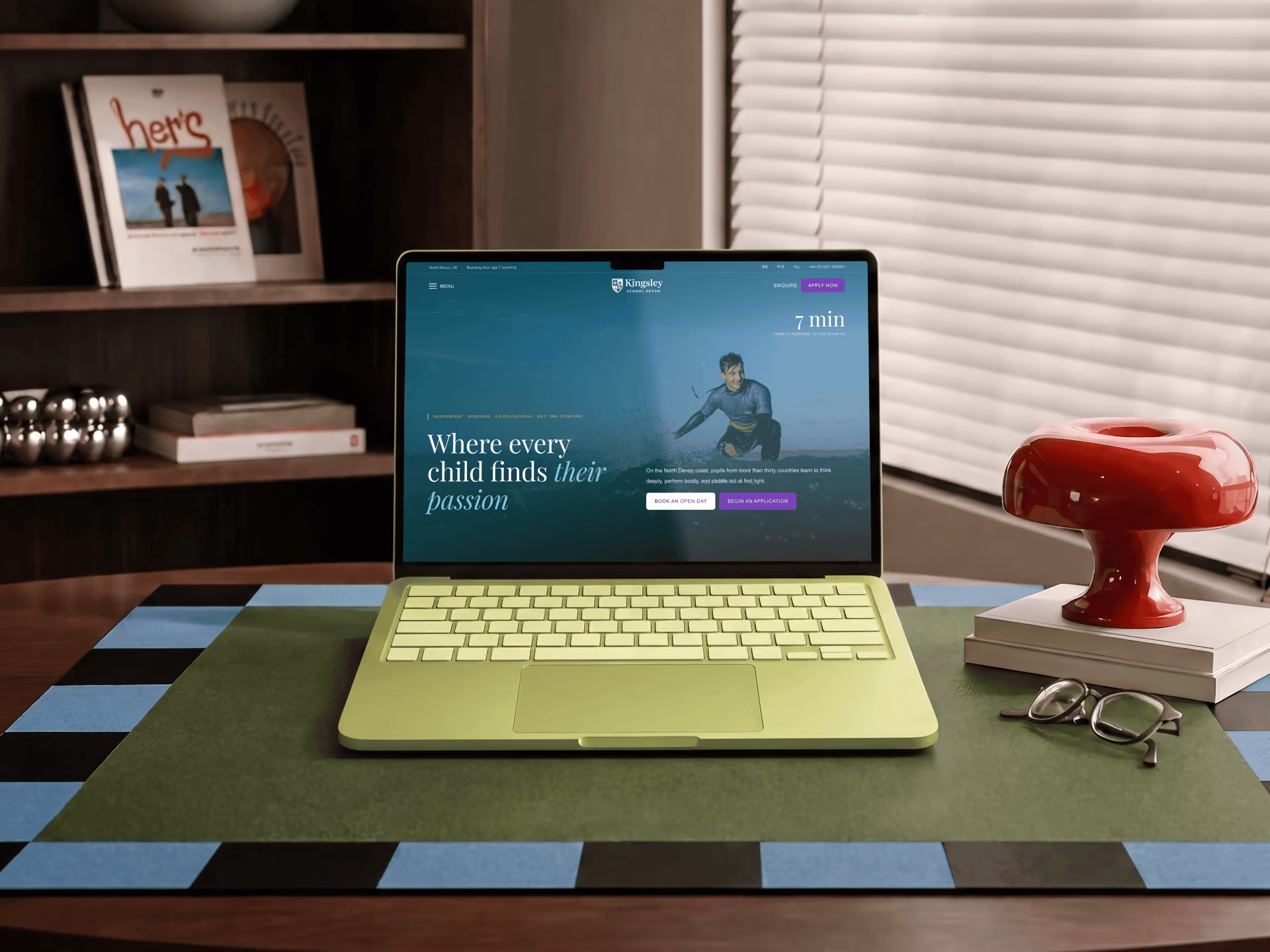
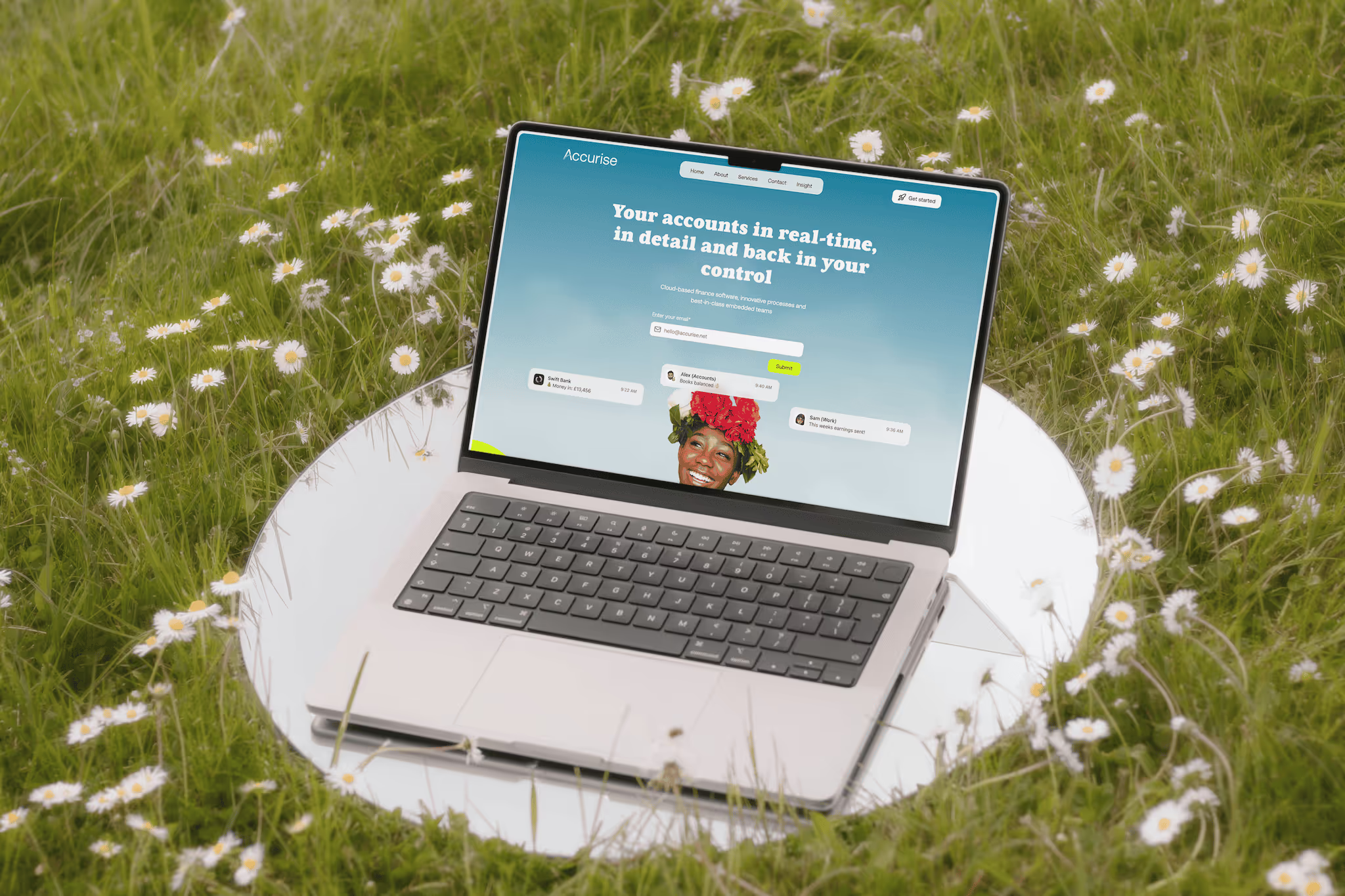




Your WordPress site is slowing you down. Here's the exit.
If your website feels slow, fragile, or held together by plugins, it's probably time to move on. Get a faster, more reliable website built for growth.
Trusted by




Rebuilt for Performance, SEO & Marketing Speed
We rebuild your site in Webflow with performance and growth in mind - not just a platform swap. Every migration focuses on speed, stability, and giving teams the freedom to move fast without plugin bloat or dev bottlenecks.
Faster load times and cleaner structure
Built for marketing speed, not maintenance
Optimised for modern Webflow performance standards

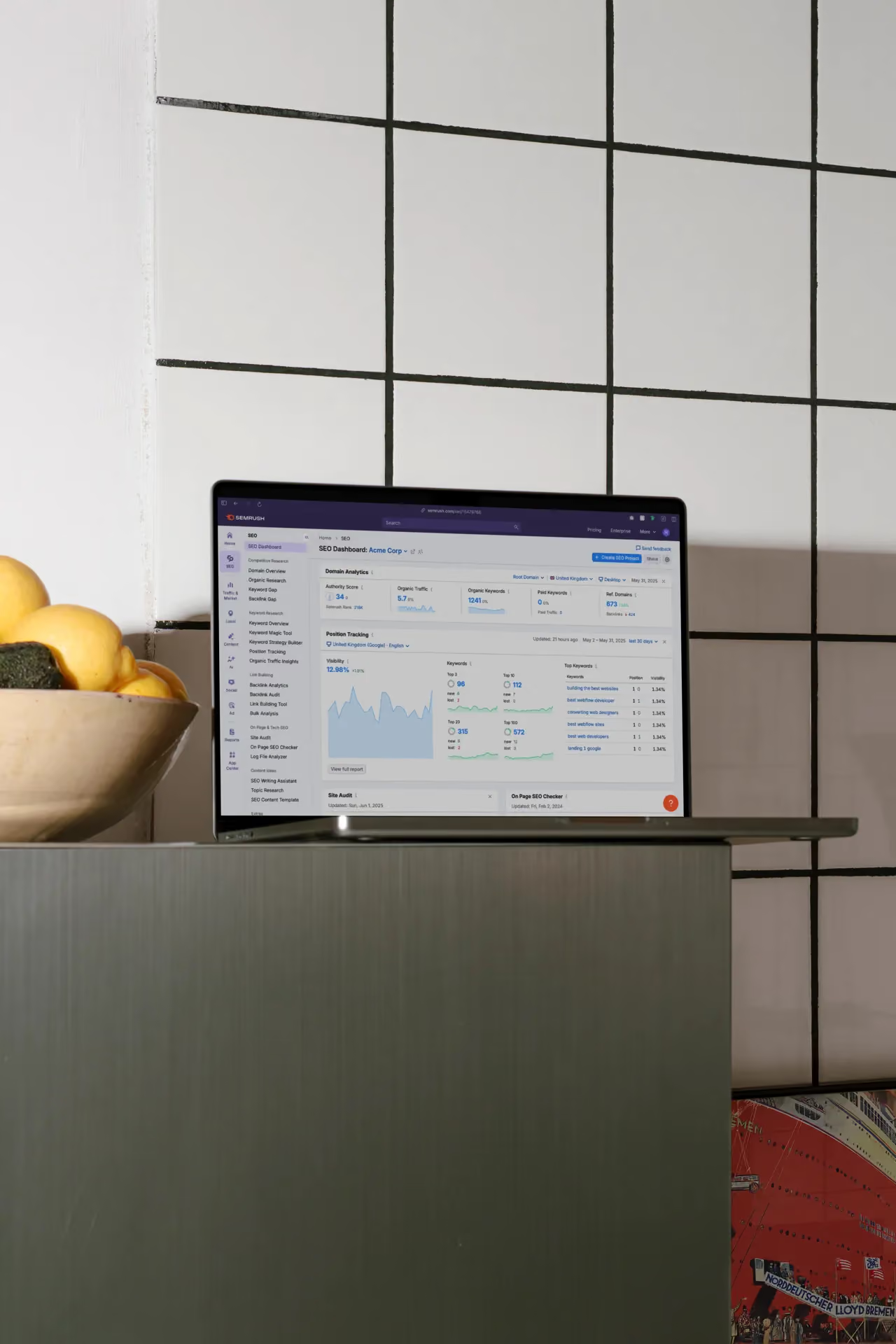
SEO-Safe Webflow Migration
Your rankings shouldn’t disappear because you changed platforms. We handle the technical and on-page SEO details to protect (and often improve) visibility when migrating from WordPress, Wix, or Squarespace to Webflow.
Proper redirects and URL mapping
Clean page structure and metadata
SEO foundations rebuilt, not bolted on
Not a 1:1 Port. A True Webflow Rebuild
We don’t copy old problems into a new CMS. Instead, we audit what’s working, remove what isn’t, and rebuild your site cleanly in Webflow so it’s easier to manage, scale, and convert.
No theme or plugin baggage
Improved structure, usability, and flow
A better site - not just the same one rebuilt

What the migration covers
Your SEO won't take a hit. In most cases, it improves.
The most common concern when switching platforms is rankings. Done correctly, you keep them — and typically see improvement within weeks of launch. Here's how we protect your visibility:
URL mapping
Every existing URL is mapped to its Webflow equivalent before we build anything
301 redirects
301 redirects are in place before the site goes live — Google follows the trail and your ranking signals transfer
Metadata preserved
All meta titles, descriptions, and heading structure are preserved and improved
Link structure intact
Internal linking is maintained throughout the rebuild
Sitemap submitted
A new sitemap is submitted to Google Search Console on launch day
Post-launch monitoring
We monitor for crawl errors and ranking changes in the weeks after go-live
From brief to live in 6 weeks.
Discovery & audit
We review your existing site: what's ranking, which URLs matter, what content carries weight, and where the opportunities are.
URL mapping & redirect plan
Every important URL gets mapped before we start the build. No guesswork at launch.
Design & build in Webflow
Your new site is designed and built with a clean CMS structure, reusable components, and a content model that your team can actually use.
Content migration
Content is reviewed and migrated selectively — the good stuff moves across, the rest doesn't.
SEO & tracking setup
Metadata, schema, Analytics, Tag Manager, and sitemap are all configured before we go live.
Launch & monitoring
We handle DNS and domain transfer, then monitor rankings and crawl health for 2 post-launch.
Let's Get To Work
Ready to move fast? Let’s map out what your site needs and get a clear plan in motion.
You’re in Safe Hands

"I have worked with The Hoop Studio on a number of web projects over the last 12 months, from web development, technical SEO, site optimisation and design. The quality of work has consistently been outstanding and the team are a pleasure to work with."



"The Hoop Studio are utterly fantastic digital partners! Harry and the team really know their stuff. They helped us refine our vision, design a great digital experience, and get it live in a matter of days."


"Incredible service! Team was responsive, fast, creative and organized (hard combo to find!) definitely recommend. The website created was smooth, unique and optimized for user behavior. Couldn’t be happier."


"Harry is amazing! Simplifies everything, takes your hand and knows everything and anything. Speedy and super helpful! Use frequently"


"I've been working with The Hoop Studio for a number of years now and I cannot recommend them enough. Their knowledge and advice has helped us reach our goals."


"Harry’s been brilliant to work with and always finds smart ways to bring the content I create to life. He’s always quick to respond, easy to work with, and has a great eye for design."

"Harry manages our website superbly with frequent redesigns of pages, immediate response on last-minute requests, and much creative genius to bring our site alive, all of which has significantly boosted our SEO and drawn visitors to the site."


"The Hoop Studio really know their stuff. The team went above and beyond the call of duty, listening to my ambitions and providing a complete revamp."

"The Hoop Studio helped us shape our ideas into a cohesive plan which they quickly formed into a beautiful website which exceeded our already high expectations."


"Working with The Hoop Studio was an absolute joy. They did a cracking job on our website, and went above and beyond with support. Highly recommended!"


"We have worked with Harry on a few website projects and it has always been an absolute pleasure. Easy processes and expert delivery - couldn’t recommend more!"


"Harry & his team are so down to earth, quick to help & knowledgeable that it’s completely removed any stress I’ve associated with website development."


"The Hoop Studio executed our website rebuild with excellent communication, speed and strategic insight, always respecting and swiftly implementing our business needs."


"Working with Harry has been incredible for the EDNA team. He understood our vision, brought it to life, and enhanced our website with smart design and user focus."
FAQs
Have a question? Find the answer here!
If not, feel free to ping us a message
Websites created
Of clients recommend us
Years of experience
Client confidentiality
Will I lose my Google rankings when I move to Webflow?
Not if the migration is planned properly. We map every URL, add 301 redirects, carry over metadata and monitor rankings after launch, which protects visibility and often improves it.
How much does a WordPress to Webflow migration cost?
Each migration is quoted individually, guided by our build prices. Smaller sites usually come in around our Launch price (from £2,500) and larger marketing sites around Growth (from £8,000), depending on page count and content volume.
How long does a WordPress to Webflow migration take?
A small site usually moves in a few weeks, and larger sites with many posts take longer. Page count and the amount of content to move set the exact timeline, which we agree at scoping.
Can you move my blog posts automatically?
Yes. Posts can be exported from WordPress and imported into a Webflow CMS collection, then checked for formatting, images and links.
What happens to my WordPress plugins?
Most plugin features are built into Webflow, such as forms, SEO settings, hosting and security. The rest are replaced with lightweight integrations.
Is Webflow better than WordPress for marketing sites?
For most marketing teams, yes. Webflow removes plugin updates and security patching, loads faster and lets non-developers edit pages visually. WordPress still suits sites that need very custom back-end functionality.
Do you handle analytics and tracking?
Yes. We set up Google Analytics, Google Tag Manager and any other tracking you use, and test it before launch.
