


Insights
Conversion
Copy Link




Fix six landing page problems—message mismatch, slow speed, cluttered CTAs, weak hero, and broken post-click UX—to improve Google Ads ROI.
You're wasting money on Google Ads if your landing pages aren't converting. Here’s why:
This article highlights six common mistakes that hurt your ROI and how to fix them:
Each mistake has a clear fix to help you turn your landing pages into conversion machines. Let’s dive in.

6 Landing Page Mistakes Costing You Google Ads ROI: Key Statistics
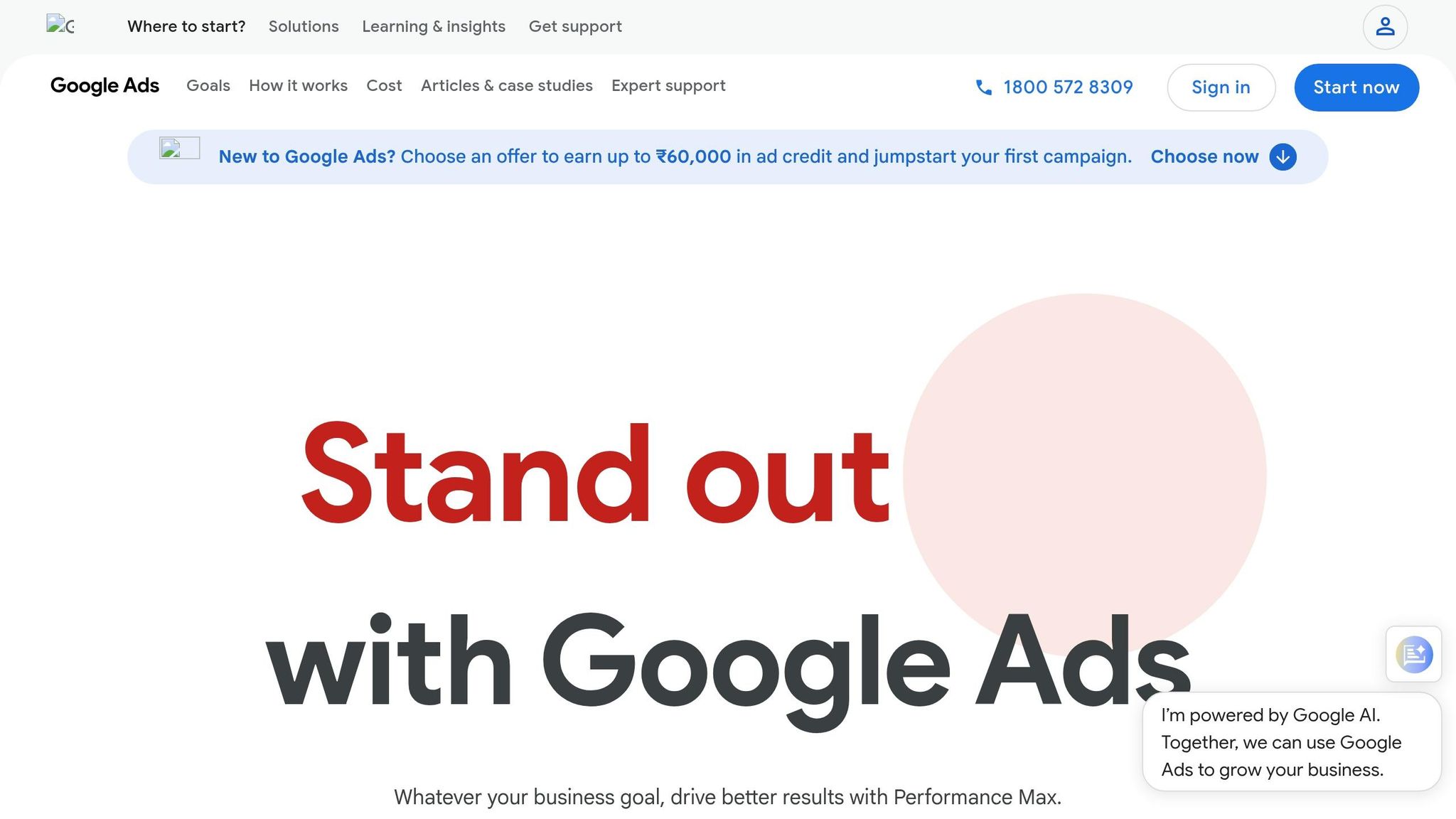
Your homepage isn’t designed to convert paid traffic. It’s built to cater to a broad audience, not to focus on specific queries. Let’s say someone clicks on your ad for "emergency plumber." They expect to land on a page that directly addresses their need - emergency plumbing services. Instead, they’re taken to your homepage, which is full of general company information, navigation menus, and maybe even links to your latest blog posts. This disconnect often leads to frustration, and they leave your site.
"Your homepage has a job: introducing your business to the world. Your landing page has a different job: converting a specific visitor into a lead. Trying to make one page do both jobs means neither gets done well." - SwiftLead
The impact of this mistake is clear. Directing paid traffic to a homepage instead of a dedicated landing page can slash your conversion rates by 50-70%. And it gets worse - this mismatch can lower your Quality Score, causing you to pay 2-3 times more per click.
Homepages are intentionally built to encourage exploration. Links like "About Us" or a sidebar menu give visitors plenty of opportunities to wander away from your conversion goal. Research shows that removing navigation menus from landing pages can boost conversions by 20-30%. When you’re paying for traffic, every unnecessary link becomes a liability.
If you want to stop losing potential leads and wasting ad spend, the solution is clear: you need dedicated landing pages that follow conversion best practices.
The fix is simple but crucial: create a dedicated landing page for each ad group you run. These pages should focus entirely on converting visitors who clicked on a specific ad. Here’s how to do it:
Tools like Webflow make it easy to create visually appealing, responsive landing pages. Place your primary call-to-action (CTA) prominently in the hero section - above the fold - and repeat it strategically as visitors scroll. Every element on the page should serve one purpose: driving conversions.
Targeting the right audience is only part of the equation. Equally important is ensuring your landing page content aligns perfectly with your ad messaging. When there's a disconnect - when your ad promises one thing, but the landing page delivers something else - it breaks trust instantly. This mismatch can seriously hurt your ROI. In fact, Landing Page Experience makes up 50% of your Google Ads Quality Score, which directly impacts how much you pay per click.
Here’s a real-world example: StyleForward, a fashion retailer, ran Google Ads in July 2025 promoting "Winter Coats 50% Off." However, due to a glitch in their dynamic landing page system, visitors were shown summer dresses at full price instead. The fallout? Conversion rates nosedived from 6.8% to 1.2%, their ROAS dropped from 4.2x to 0.8x, and customer complaints spiked by a staggering 340%. This highlights how critical it is to maintain a consistent message.
The financial impact of poor message alignment is hard to ignore. It can lead to 73% fewer conversions compared to when your messaging is perfectly aligned. For a business spending $25,000 a month on Google Ads, this could mean wasting $3,200 monthly on ineffective clicks. Google also penalizes mismatched messaging through lower Quality Scores. A score of 1-3 can increase your cost per click by 200-400%, while a perfect score of 10 can slash costs by 50%.
| Quality Score | CPC Impact |
|---|---|
| 10 | 50% Discount |
| 8-9 | 25% Discount |
| 6-7 | Baseline Pricing |
| 4-5 | 25% Premium |
| 1-3 | 200-400% Premium |
The numbers tell the story. Pages with poor message alignment experience bounce rates of 72%, compared to just 28% for pages with perfect alignment. Conversion rates drop from 5.2% to 1.4%, and the cost per conversion skyrockets from $38 to $142.
Fixing this issue starts with your headline. If your ad promises "Get a Free SEO Audit in 24 Hours", your landing page headline must say exactly that. This reassures visitors they’ve landed on the right page.
To make this seamless, use Dynamic Keyword Insertion (DKI). This allows your landing page headline to automatically reflect the search term. For example, adding URL parameters like ?keyword={keyword} ensures that if someone searches for "emergency plumber Boston", that exact phrase appears in your headline. This creates immediate relevance and builds trust.
Incorporate Semantic Relevance Mapping throughout your page. Use your main keyword in the H1, secondary keywords in H2 headers, and sprinkle related terms throughout the body copy. This strengthens the connection between the search query and the page content.
Visual consistency is just as important. If your ad features blue buttons and specific imagery, your landing page should match these elements. Consistent color schemes, promotional badges, and icons - known as "scent match" - help reinforce trust on a subconscious level.
Finally, double-check your offers. If your ad mentions "20% off", that exact discount must be prominently displayed on your landing page. Ensure pricing, terms, and benefits match exactly to avoid any perception of bait-and-switch tactics. Platforms like Webflow allow you to create consistent templates while still customizing elements for different ad groups.
Page speed isn’t just a technical detail - it’s a direct factor in how much you spend on ads and how many conversions you lose. When your landing page is slow, you’re looking at higher CPCs due to lower Quality Scores and wasted ad dollars from visitors who abandon your site. Landing page experience makes up about 39% of your Google Ads Quality Score, so every second counts.
Here’s why speed matters: 53% of mobile users will leave a site if it takes more than 3 seconds to load. Bounce rates climb by 32% when load times go from 1 to 3 seconds, and if it stretches to 5 seconds, bounce rates can soar by 90%. For retail businesses, even a one-second delay in page load time can slash conversions by up to 20%.
"A slow landing page increases costs: higher CPC from reduced Quality Score, and fewer conversions from impatient visitors."
– Chris Raad, Founder, Studio Slate
The financial impact is huge. A Quality Score of 1 can quadruple your CPC, while a perfect score of 10 can cut costs in half. For a company spending $10,000 per month on Google Ads, slow-loading pages could waste thousands of dollars on clicks that don’t convert. Real-world examples drive this home: Vodafone improved its Largest Contentful Paint (LCP) by 31%, which led to an 8% boost in total sales and a 15% jump in lead-to-visit rates. Rakuten 24 saw even bigger results, with a 53.37% increase in revenue per visitor and a 33.13% rise in overall conversions after optimizing their Core Web Vitals.
Google uses Core Web Vitals to measure page performance, focusing on three key metrics: Largest Contentful Paint (LCP), Interaction to Next Paint (INP), and Cumulative Layout Shift (CLS). To hit Google’s "good" benchmarks, LCP should be under 2.5 seconds, INP below 200ms, and CLS less than 0.1. Falling short on these metrics drives up your ad costs and frustrates visitors. The message is clear: a fast-loading page isn’t optional - it’s essential.
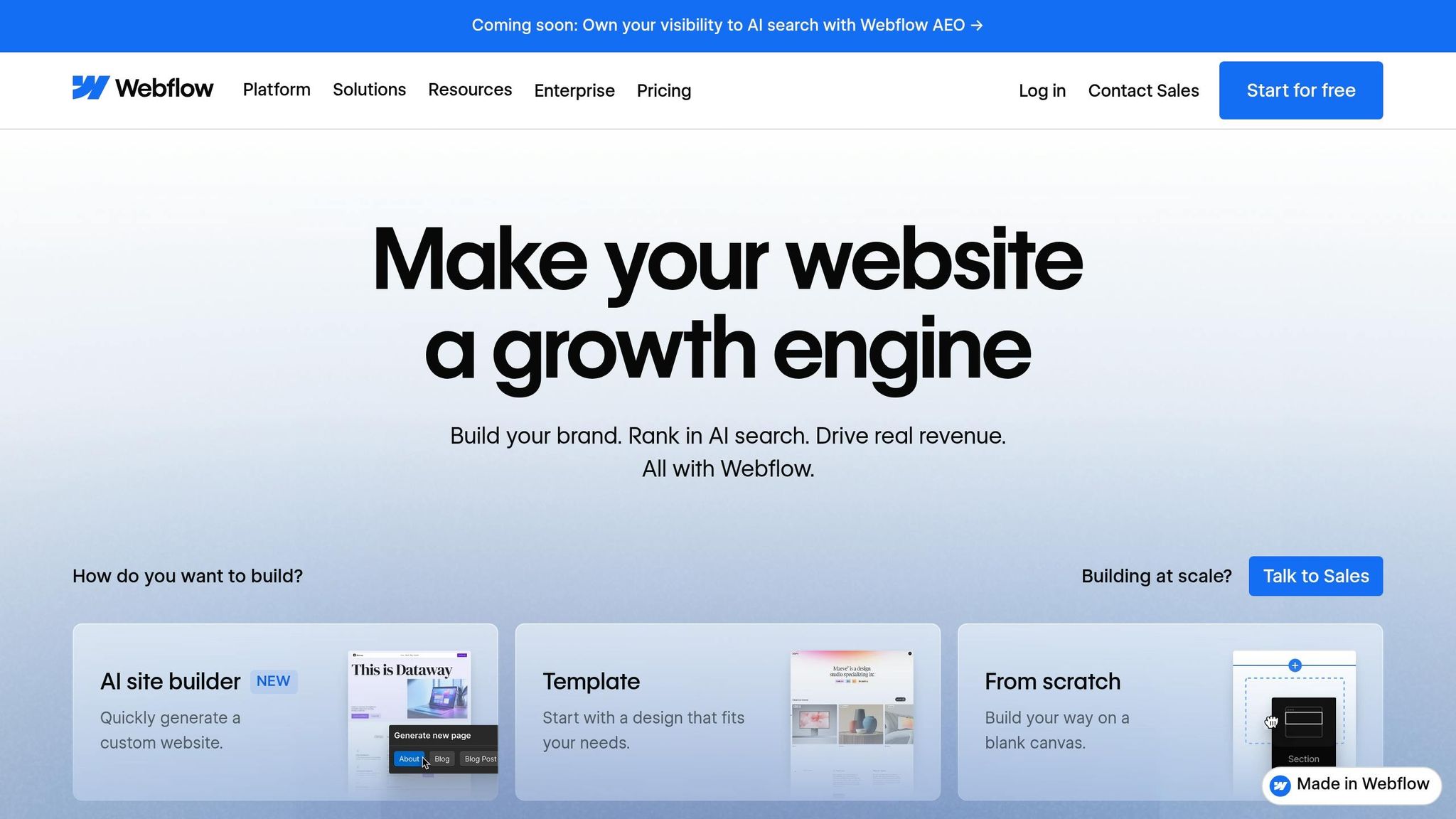
Speeding up your page doesn’t just make visitors happy; it directly improves your ROI by cutting costs and boosting conversions. Start by optimizing your images. Webflow’s WebP conversion tool can shrink file sizes by about 25% compared to PNG or JPEG formats without losing quality. For logos and icons, switch to SVGs, and enable lazy loading for below-the-fold assets so they load only when needed.
Use Webflow’s Site Health Scan to identify what’s slowing you down. This tool highlights large assets and performance bottlenecks, while the Site Usage Dashboard shows which files are eating up bandwidth so you can compress or replace them.
Simplify your code by removing unused font variants (stick to just Regular and Bold if that’s all you use) and cutting down on complex animations or interactions that strain processing power. For example, 6th Man Digital revamped a media-heavy Webflow homepage by using WebP images, simplifying fonts, and deferring scripts. The result? LCP dropped from 4.8 to 2.2 seconds, INP improved from 280ms to 150ms, and paid traffic conversions jumped 12% in just two weeks.
Don’t forget to audit third-party scripts. Outdated tracking pixels, unused widgets, and heavy JavaScript can clog your site’s main thread. Use Google Tag Manager to defer non-essential scripts and enable browser caching in Webflow to prevent returning visitors from re-downloading static assets like stylesheets and icons.
The payoff can be immediate. A Deloitte study of 37 brand websites found that improving mobile site speed by just 0.1 seconds led to an 8.4% increase in conversion rates for retail sites. By focusing on metrics like LCP and reducing load times, you’ll not only improve your Quality Score but also see a noticeable impact on your revenue.
When it comes to landing pages, keeping things simple isn't just nice - it's necessary. Too many links, buttons, or calls-to-action (CTAs) can pull your visitors in different directions, distracting them from the main goal: converting. Navigation menus, footer links, social media icons, and multiple CTAs can overwhelm users, leading them to hesitate and leave without taking action.
Here’s a telling statistic: adding just one extra conversion goal can reduce conversion rates by up to 266%. Landing pages with a single CTA convert at 13.5%, compared to 10.5% for those with multiple CTAs. This phenomenon, often called "choice overload", happens when visitors see options like "Sign up", "Watch demo", and "Download ebook" all at once. Faced with too many decisions, they often choose none.
"Attention ratio... states that because your landing page visitors have limited attention spans, every landing page should do its best to keep the ratio of links on the page to the number of conversion goals as close to 1:1 as possible." – Oli Gardner, Co-founder, Unbounce
The most effective landing pages aim for a 1:1 attention ratio - one link or button for one clear goal. In contrast, traditional navigation menus and other exit points introduce unnecessary complexity, often leading visitors to abandon the page entirely.
To keep visitors focused, streamline your landing page. Remove anything that doesn’t directly support your primary goal. For example, eliminate the main navigation bar from your Google Ads landing pages. If branding is essential, stick to a simple header with just your logo and a single CTA. Similarly, avoid footer menus and social media links that could tempt users to leave.
Focus your design on one clear action. Place your primary CTA strategically throughout the page - at the top (hero section), mid-page, and near the footer - but don’t introduce competing offers. If a secondary action is absolutely necessary, make it subtle, like a text link, rather than a bold button.
Use tools like Webflow’s visual hierarchy to make your primary CTA stand out. Choose a high-contrast color exclusively for that button, and try the "squint test" in Webflow Designer: if the CTA isn’t the first thing you notice, adjust its size, color, or spacing. Adding reassuring microcopy near the CTA, such as "No credit card required" or "Free forever", can also reduce hesitation.
Once you've refined your navigation and CTAs, it's time to focus on the hero section - the very first thing visitors see when they land on your page. This "above-the-fold" area is prime real estate for capturing attention, as visitors spend 57% of their viewing time here. Yet, many landing pages waste this space with vague headlines that fail to address visitor needs or align with the ad they clicked on.
Visitors make snap judgments, deciding within 5–6 seconds whether to stay or leave. If your hero section doesn't clearly answer, "What is this?", "Why should I care?", and "What do I do next?", you're likely to lose them. One common issue is "message mismatch", where the landing page headline doesn't align with the ad copy, breaking the promise made in the ad.
This mismatch doesn't just hurt conversions - it can also tank your Quality Score, leading to higher ad costs. A low Quality Score can increase your cost-per-click (CPC) by 200% to 400%, while a perfect score of 10 can slash your CPC by 50%.
"The above-the-fold section is where most landing pages win or lose. If your headline does not match the ad that brought the visitor there, nothing below the fold matters - they are already gone."
– Waseem Bashir, Founder & CEO, Apexure
The challenge is even greater for mobile users, who now account for 61% of Google Ads clicks. With limited screen space, clarity and focus in this section are even more critical.
Start by matching your headline to your ad copy. For instance, if your ad promises "Landing Pages That Convert in 2 Weeks", your headline should say the same. A consistent message can boost website conversion rates by 20–35% compared to mismatched pages.
Use your headline to communicate a specific benefit, not a generic statement. For example, "Change Your Business Today" is too vague, while "Build Proposals That Close 40% More Deals" gives a clear, tangible outcome. Pair this with a subheadline that briefly explains how the benefit is achieved.
Your hero section should also include a clear, prominent call-to-action (CTA) button. Use a contrasting color to make it stand out, and opt for action-oriented text like "Get My Free Quote" instead of generic labels like "Submit". For mobile users, ensure the button is at least 44 pixels tall and that both the headline and CTA are visible without scrolling on a 375-pixel-wide screen.
Adding trust signals above the fold can also make a big difference. Social proof - like client logos, star ratings, or key statistics - can increase conversions by up to 65%. For instance, Flare.io saw a 65% jump in demo conversions in just one week by improving their headline, moving their CTA above the fold, and adding trust elements. Similarly, IMD Business School boosted their MBA landing page conversion rate by 63% by repositioning video testimonials and other trust signals to the top of the page.
Finally, reduce friction with reassuring microcopy below your CTA. Phrases like "No credit card required" or "Free forever" can help ease concerns. And don't overlook page speed: pages that load in 1 second convert three times better than those that take 5 seconds, with each extra second beyond 3 seconds cutting conversions by about 7%.
A strong above-the-fold section doesn't just grab attention - it keeps visitors engaged and ensures you get the most out of your ad spend. By optimizing this area, you're laying the foundation for a successful post-click experience.
Getting clicks is just the start. What happens after someone clicks your ad is where the real magic - or failure - happens. If you’re pouring resources into ad optimization but overlooking what comes next, you’re leaving money on the table. The post-click experience is critical, and neglecting it can sabotage your conversion rates.
Here’s a reality check: the average landing page only converts at 2.35%. Why? Often, it’s due to issues like broken forms, poor mobile design, and generic, one-size-fits-all content. When someone clicks your ad, they’re already intrigued. But if your landing page frustrates them - whether it’s asking for too much info or not working well on mobile - you risk losing that hard-earned interest and wasting your ad spend.
Form friction is a major culprit. For example, including a phone number field can slash conversions by 5–15%. And if your form has more than three fields, you could see a 20–30% drop in conversions. On the flip side, removing just one field can increase conversions by 3–5%.
Poor mobile design makes things worse. With over 60% of paid clicks coming from mobile devices, a clunky mobile experience can tank your results. Common problems include tiny text, buttons that are too small (less than 44×44 pixels), and forms that force users to zoom or struggle with the layout. These frustrations often lead users to abandon your page entirely.
Then there’s personalization. A generic landing page for every visitor means missed opportunities. But go overboard, and it can backfire. Take TechFlow Solutions, for example. In July 2025, they tried customizing 14 different elements on their landing pages based on search queries. The result? A dramatic drop in conversion rates from 8.2% to 2.1% and a 247.9% increase in cost per conversion within just 30 days. The lesson? Personalization works best when it’s focused and strategic.
To fix these issues, start by designing Webflow forms for conversions. Only ask for the essentials and use tools like progressive profiling to gather more information later as trust builds. If you’re using Webflow, you can connect your forms directly to your CRM with tools like the Webflow API or automation platforms such as Make or Integromat.
For mobile optimization, test your landing pages on actual devices - not just simulators. Make sure buttons are large enough (at least 44×44 pixels), eliminate horizontal scrolling, and use input types that match the data being entered (like email keyboards for email fields).
When it comes to personalization, focus on 3–5 high-impact elements like headlines, subheadlines, and hero images. Align these elements with the visitor’s search terms or where they are in the buying process. Keep the rest of the page consistent to avoid overwhelming them. For instance, TechSolutions Pro tackled message mismatches and over-personalization issues, and in just 90 days, their conversion rate jumped from 2.1% to 9.8% - a 367% improvement. They also boosted their Google Ads Quality Score from 3.4 to 8.7, cut their cost per conversion by 54%, and added $340,000 in quarterly revenue.
Finally, make sure your landing pages are secure. Use HTTPS and SSL certificates to reassure users when they’re entering personal information.
Stop wasting your Google Ads budget on landing pages that don’t deliver. The six issues we’ve discussed - directing traffic to your homepage, mismatched messaging, slow load times, cluttered navigation, weak hero sections, and neglecting the post-click experience - are silently draining your ROI. The good news? Each of these problems has a straightforward solution.
Here’s why it matters: A high Quality Score can cut your costs in half, while a low score can increase them by up to 400%. Pages that load quickly convert up to three times better than sluggish ones, and adding unnecessary conversion goals can slash your results by 266%. These numbers highlight how small changes can make or break your campaign’s success. Addressing these mistakes ensures every dollar you spend on ads drives measurable results.
Take TechSolutions Pro, for example. By systematically fixing these issues, they saw significant improvements in conversions and revenue.
At The Hoop Studio, we specialize in creating Webflow-powered, conversion-focused landing pages that turn clicks into customers. Our pages are designed for fast load times, seamless mobile experiences, and clear conversion paths that align perfectly with your ad copy. Whether you need a single high-performing page or a complete system for growth, we help marketing teams launch pages that get results - without waiting on developers.
Want to make your ad spend work harder? Let’s build landing pages that deliver.
If you're aiming to get the most out of your ad campaigns - both in terms of conversions and ROI - a dedicated landing page is a must. Why? Because it creates a seamless experience by ensuring message match, visual consistency, and relevant content. These elements work together to boost conversion rates.
A dedicated landing page also gives you control over key factors like load speed and allows you to focus on a single, clear call-to-action. Plus, it ensures that the user experience aligns perfectly with the promise or message in your ad.
The fastest way to improve your Google Ads Quality Score is by focusing on two key areas:
Both of these adjustments directly contribute to a better user experience and higher relevance, which are critical for boosting your Quality Score.
To boost your conversion rate without touching your ads, shift your focus to fine-tuning your landing page. Start with essentials like page load speed, design, and content relevance - these can make or break user engagement. Experiment with A/B testing to tweak elements like headlines, call-to-action buttons, and page layout to see what resonates most with visitors. A well-structured, fast-loading landing page can make a huge difference in driving conversions, all while leaving your ad campaigns as they are.