






Insights
Webflow
Copy Link




Agencies use Webflow's visual builder and CMS to launch SEO-friendly, high-performance sites faster and scale without hiring devs.
Agencies need to deliver websites quickly without increasing costs or hiring in-house teams. Webflow helps by offering a visual development platform that speeds up workflows, reduces reliance on developers, and minimizes overhead. Here's how:
Webflow allows agencies to focus on delivering results for their clients without the need for large, in-house teams.

How Webflow Helps Agencies Scale: Key Performance Metrics and Cost Savings
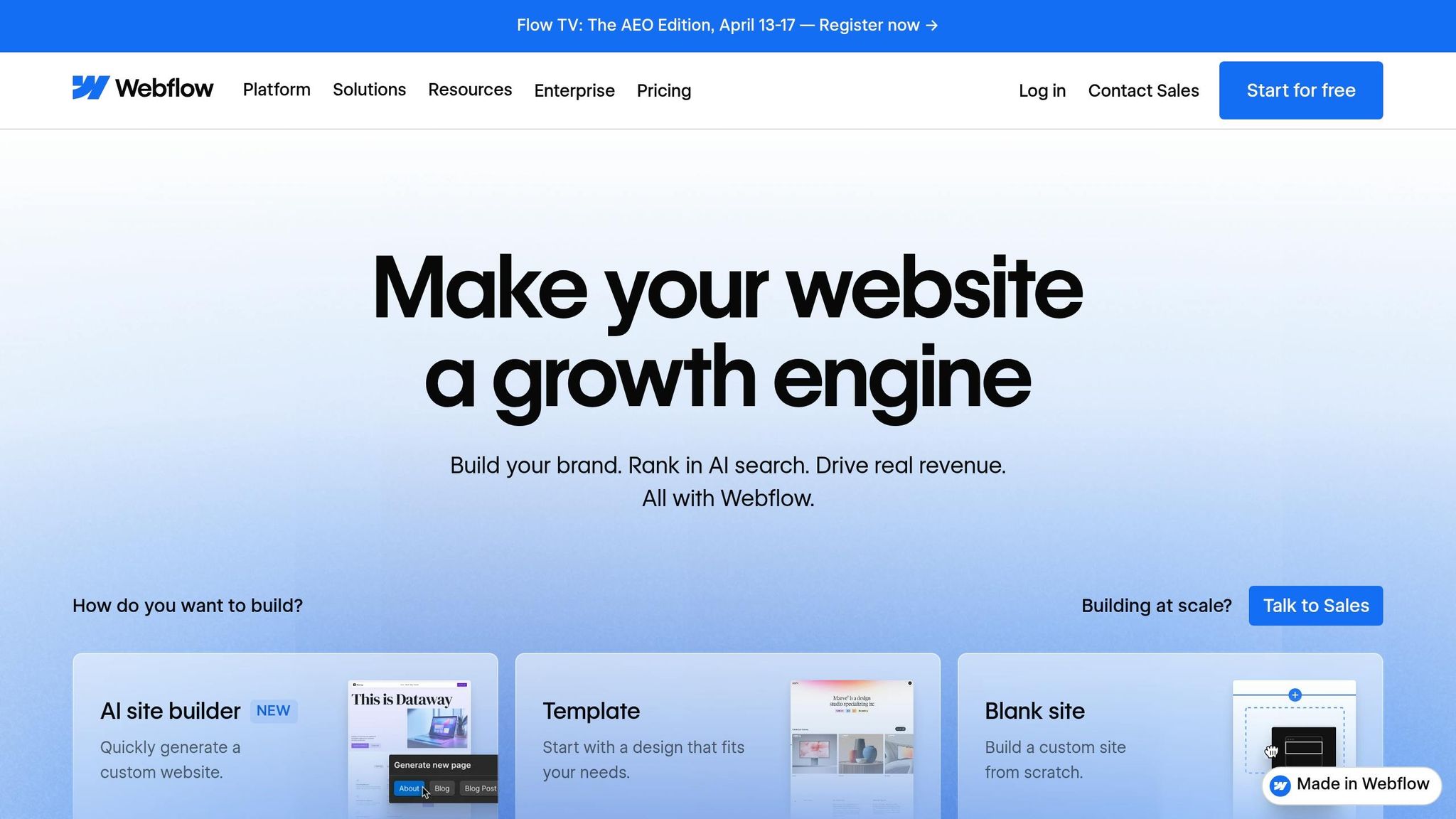
Webflow's Designer interface allows agencies to create fully functional, production-ready websites without diving into manual coding. Instead of converting Figma mockups into HTML and CSS, designers can build directly on the canvas, where every drag-and-drop action generates clean, semantic code automatically.
Vlad Magdalin, CEO of Webflow, captures this shift perfectly:
"We imagine web design going from 10% design and 90% coding to 95% design and 5% coding."
The platform also simplifies creating complex animations and interactions - like scroll-based parallax effects or hover states - that would typically require extensive JavaScript. Using a visual timeline interface, designers can build these features without a lengthy design-to-development handoff. This approach not only eliminates delays but also allows developers to focus on higher-level tasks, keeping projects on track in fast-paced environments.
Take Broworks, for example. In April 2025, this agency, led by CEO Stefan Ivić, transitioned a large-scale project with over 25 unique pages and 600+ CMS items from Figma to Webflow in just two weeks. They achieved this speed by leveraging the Relume Library for pre-built components and implementing a consistent class naming system. This setup enabled multiple developers to collaborate simultaneously without conflicts. Their success highlights how visual development can dramatically accelerate project timelines.
Webflow combines design, development, and content management into a single platform, cutting down on the coordination challenges that often slow traditional workflows. Agencies using this integrated approach have reported a 67% drop in developer ticketing, reducing back-and-forth requests for minor updates. Features like global CSS classes and reusable components ensure that sitewide changes - such as updating a navigation bar or a call-to-action button - are instantly reflected across all pages.
A notable example is Dropbox Sign. In July 2023, the company used Webflow's global code tags and symbols to rebrand thousands of pages across 21 localized languages in one go. Content Producer Corey Shrecengost and Web Developer Justin Johnson credited Webflow's collaborative visual workflow with doubling their content production speed compared to the previous year. Justin Johnson reflected on the experience:
"It honestly feels kind of freeing to be able to hand over some projects."
This streamlined process doesn’t just benefit developers. Copywriters, strategists, and project managers can make direct edits without relying on engineering teams, reducing the need for additional hires and keeping projects moving at a pace that meets client expectations. This centralized, collaborative approach lays a strong foundation for efficient scaling and content management, which will be discussed further in the next section.
To create a CMS that can grow with your needs, start by identifying content types that will be reused frequently. For example, agencies should plan for elements like blog posts, team directories, or product listings to be handled through Webflow Collections instead of static pages. Using features like Reference and Multi-Reference fields helps link related data - such as connecting an "Author" collection to "Articles." This way, updating an author's bio in one spot automatically updates it across all their articles.
Laying out the CMS schema before development ensures smoother execution and scalability down the line.
For large-scale projects, agencies can speed up the process by importing structured data in bulk via CSV files or syncing CMS collections with external sources using tools like Zapier or Whalesync. Webflow also enables high-volume sites to publish individual items - like a single blog post - without needing to republish the entire site, making updates more efficient.
A strong CMS foundation empowers clients to manage their own content updates, cutting down on the need for ongoing developer involvement.
Webflow’s role-based permissions let agencies give clients access to the CMS while keeping them out of the Designer interface. This prevents clients from unintentionally altering the layout or typography. Blaire McClure, Product Marketing Manager at Webflow, points out:
"Giving clients full editing access too early in the process... often leads to well-intentioned 'quick fixes' that create bigger problems."
Once developers set up a Collection Template, such as for product pages or blog posts, the CMS automatically generates new pages for each item clients add - no extra coding required. Agencies can also enforce design consistency by setting character limits, image size requirements, and predefined options for client input. This approach has led to a 67% drop in developer support tickets for some companies, allowing technical teams to focus on more critical tasks.
For marketing teams, Webflow accelerates campaign launches by enabling them to implement ideas up to three times faster without waiting for developer sprints. This autonomy not only speeds up content updates but also allows agencies to manage more clients without increasing their internal team size.
A fast website is essential for success, and Webflow makes it easier to achieve this by generating clean, semantic HTML and CSS - avoiding the unnecessary code that often slows websites down. When you publish a site through Webflow, it automatically minifies JavaScript and CSS, reducing file sizes and improving load times.
Webflow’s hosting, powered by Amazon Web Services (AWS), includes a global content delivery network (CDN). This setup ensures visitors experience quick load times no matter where they’re located. Uros Mikic, CEO of FlowNinja, highlights the simplicity of the process:
"Go to production is worry-free. It's all done in a single click, without worrying about security and backend engineering".
Webflow also optimizes images by converting them into modern formats like WebP and AVIF, compressing them, and offering control over load behavior with eager and lazy loading options. Fonts are handled efficiently too - you can load only the exact weights and styles you use in your design. Additionally, third-party scripts can be set to defer or async, preventing them from delaying page rendering.
Webflow sites perform exceptionally well on Google’s Core Web Vitals, which is crucial for SEO. Sites that meet these benchmarks are 2.3 times more likely to rank in the top three search results. On average, Webflow sites achieve 2.3x faster Largest Contentful Paint (LCP) scores compared to WordPress sites. These performance advantages allow agencies to deliver outstanding results for their clients without needing to expand their internal teams.
This strong technical foundation ensures Webflow is ready to support advanced SEO strategies, which we’ll dive into next.
Webflow integrates essential SEO tools directly into its platform, making it straightforward to optimize every page. It automatically generates XML sitemaps and provides easy-to-use controls for 301 redirects, robots.txt files, and canonical tags.
The platform also includes an SEO audit tool that identifies common issues before your site goes live. It flags problems like missing alt text, broken links, and incorrect heading hierarchies, ensuring that each page uses a single H1 tag followed by a logical structure of H2-H6 tags.
For agencies handling multiple projects, Webflow Optimize offers AI-driven A/B testing capabilities. Starting at $299 per month (billed annually), this tool helps refine designs and strategies. In 2025, Retool’s growth marketing team used Webflow Optimize to improve their demo request forms. By simplifying the forms and removing unnecessary fields, they saw a 70% increase in demo requests. Katie Giori, Growth Marketing Leader at Retool, shared her experience:
"With Webflow Optimize, we gained the autonomy to quickly design, launch, and measure experiments. The ease of setting up tests and collaborating across teams has elevated our entire web strategy".
Similarly, Waste Connections focused on mobile-specific updates, such as repositioning call-to-actions and shortening descriptions for smaller screens. These adjustments led to an 81% increase in conversions - all without hiring additional conversion rate optimization specialists.
Webflow’s combination of performance, SEO tools, and testing capabilities makes it a powerful platform for creating websites that deliver results.
Webflow's user-friendly platform helps agencies expand their workload without needing to grow their engineering teams. Its visual interface eliminates the constant back-and-forth with developers, empowering designers, copywriters, and project managers to build and tweak websites directly. This streamlined process allows agencies to take on more projects without adding to their in-house staff.
The secret to juggling multiple projects lies in setting up reusable systems from the beginning. For example, creating a detailed style system enables agencies to launch new pages in as little as a day. One agency managed to migrate over 25 unique pages and 600+ CMS items from Figma to Webflow in just two weeks.
This approach dramatically cuts down on developer involvement. Some agencies have even reported up to 10x in annual cost savings. With Webflow handling hosting, security, and automatic backups, there's no need for dedicated backend engineering staff. Teams can focus their energy on strategic initiatives instead of minor fixes. For more complex technical needs, agencies can collaborate with Webflow specialists to further optimize efficiency.
To expand capabilities without long-term commitments, many agencies bring in Webflow specialists for specific projects. Instead of hiring full-time staff, they contract experts to fill skill gaps on an as-needed basis. This flexible approach ensures high-quality results without the overhead of permanent hires.
For instance, in 2024, OpenPhone partnered with the agency Beqi to transition from a custom-coded site to Webflow. Kreshnik Beqi developed a robust style system and seamlessly integrated his team into OpenPhone’s Slack channels, working closely with their marketing team. This collaboration enabled OpenPhone to implement conversion rate optimization tests overnight, resulting in a significant boost in homepage conversions. John MacGaffey, Senior Growth Marketing Manager at OpenPhone, summed it up:
"Having someone who is a deep expert in Webflow means that we don't think about the logistics of how to implement whatever our design team can dream up. It frees us up to focus on the strategy."
Similarly, The Hoop Studio offers ongoing Webflow support through flexible retainers starting at £2,500/month. This model gives agencies priority access to specialized skills, allowing them to scale their workload efficiently while maintaining speed and quality - without committing to full-time hires.
Webflow offers agencies a way to complete projects faster, reduce costs, and grow without the need to hire more staff. Its visual development tools eliminate the traditional back-and-forth between designers and developers, allowing designers and project managers to create fully functional, production-ready websites. This streamlined process has led to a 67% reduction in development ticketing and up to a tenfold decrease in costs.
Starting each project with a structured style system is crucial. Such a system keeps projects organized and scalable, making it easier for team members to collaborate seamlessly and without confusion.
Webflow CMS also empowers clients to manage their own content, freeing up agency teams to focus on more strategic initiatives. As Kreshnik Beqi, founder of Beqi, explains:
"When my clients understand how fast we can build with Webflow, they're going to hire us to do more work for them because we know how to do it so efficiently".
This approach not only empowers clients but also allows agencies to tap into specialized Webflow experts when needed, scaling their capabilities without the burden of full-time staffing.
Webflow is an excellent choice for agency websites that need flexibility, team collaboration, and quick turnarounds. It's particularly suited for design, development, and marketing agencies looking to showcase their services, case studies, and client projects. With Webflow, agencies can bring their teams together, simplify workflows, and build scalable, visually striking websites - ideal for meeting client needs without requiring heavy in-house development resources.
To build a reusable Webflow style system, begin with setting up global styles for typography, colors, and spacing. This will help keep your design consistent across the board. Next, use Webflow’s symbols feature to create reusable components like headers and buttons, saving time and ensuring uniformity.
Organize all these elements into a style guide for easy reference. Stick to a consistent class naming convention to make your system clear and manageable. Lastly, make it a habit to review and update your style system regularly to keep it scalable and aligned with your brand’s needs.
Clients should be able to easily edit dynamic content - like text, images, and other media - directly within Webflow CMS. This allows them to keep their website content fresh and up-to-date without relying on a developer for every change.