



Insights
Webflow
Copy Link




Marketing teams switch to Webflow to cut time-to-market, boost site speed and SEO, and connect web activity to revenue and pipelines.
B2B marketing teams are choosing Webflow in 2026 to solve a common problem: slow, outdated website systems that delay campaigns and limit growth. Webflow empowers marketers to build and update pages without relying on developers, cutting time-to-market by 94% and improving editing efficiency by 80%. It combines a visual editor, structured CMS, and enterprise-grade performance to deliver faster websites, better SEO, and seamless integration with tools like HubSpot and Salesforce.
Key takeaways:
Webflow isn’t just a platform - it’s a solution that transforms websites into a key driver of marketing success.

Webflow vs Legacy CMS: Key Stats for B2B Marketing Teams in 2026
B2B marketing teams often struggle, not because their strategies are flawed, but because execution gets bogged down. The usual culprit? The developer queue. Imagine this: a marketer needs landing page development for a campaign launching next week. They submit a ticket, but it ends up buried in a sprint backlog. By the time it’s addressed, the campaign's timing is already off.
And it’s not just about creating pages. Even minor tweaks - like changing a headline, adding a form, or swapping out an image - can require a JIRA ticket, followed by days of waiting. Upwork, for instance, abandoned its JIRA-based system for landing page updates after realizing it was slowing down their campaigns.
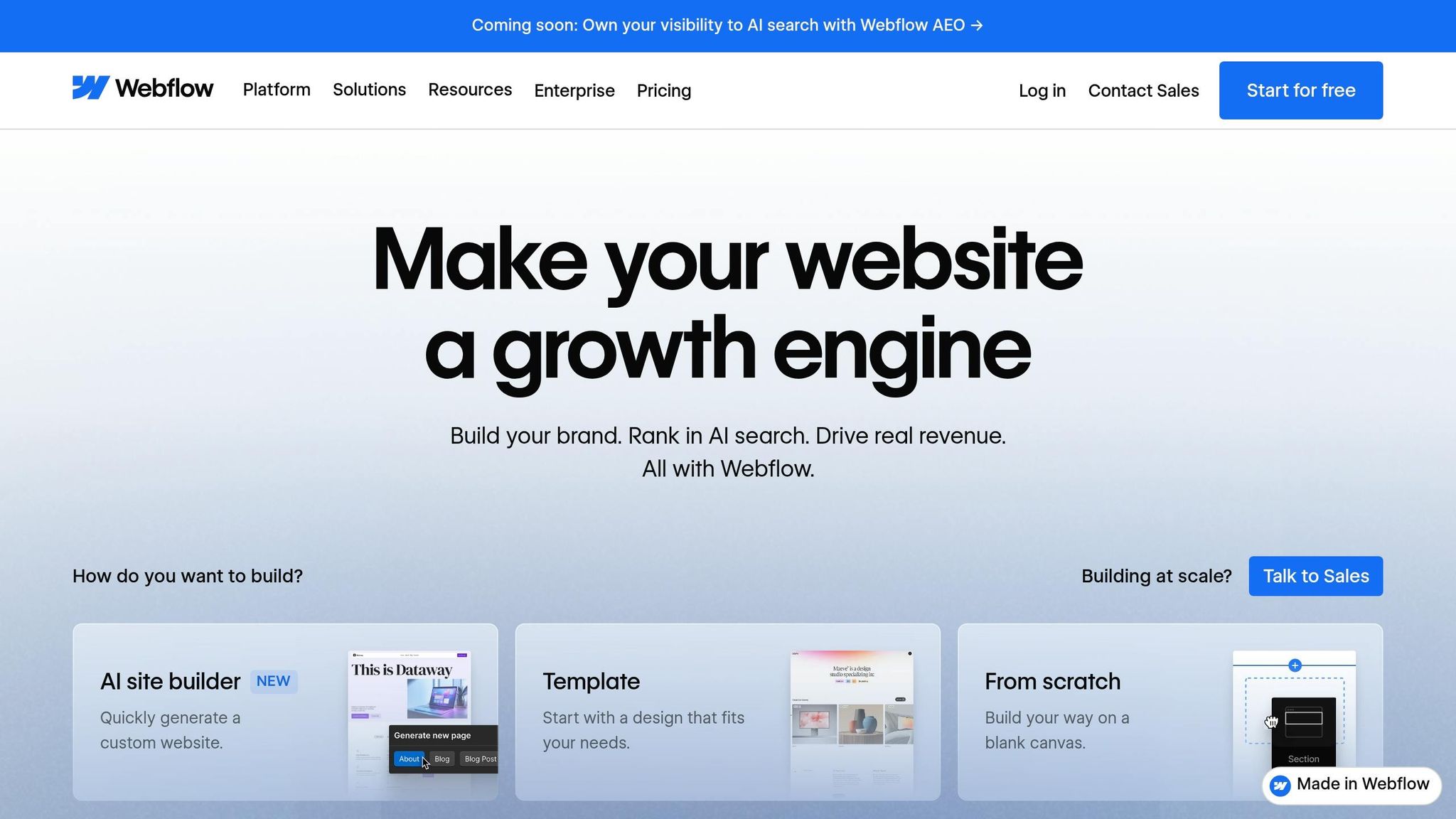
Webflow changes the game by giving marketers the tools to build and update pages themselves. With its visual editor, tasks that once took 4–5 hours can now be done in just 20 minutes. This isn’t just a time-saver - it’s a complete shift in how marketing teams can operate.
The platform also uses a role-based access system to ensure everyone has the right level of control. Here’s how it works:
| Role | What They Can Do |
|---|---|
| Marketer | Build pages using templates and pre-approved components |
| Content Editor | Update text, images, and CMS items only |
| Designer | Full access to create layouts and components |
| Reviewer | View and comment only (free seat) |
This structure is why Webflow users report a 67% drop in developer ticketing. Petal, a fintech company, summed it up perfectly:
"The biggest hurdle to bringing things to life on the web has always been engineering. With Webflow, that hurdle's completely removed."
Marketers gain the freedom to work faster, while design controls ensure nothing goes off-brand.
Empowering marketers to work independently introduces a new challenge: maintaining a consistent brand. Webflow solves this with centralized design variables and shared component libraries. Typography, colors, and spacing are set once, and updates apply globally - no need for tedious manual adjustments.
Designers set the guardrails, and marketers operate within them. Jose Juan 'JJ' López, Dormakaba's Global Lead of Digital Marketing, explained this balance:
"Webflow empowers us to centralize our global, digital brand and ensure the look and feel of our marketing sites stay consistent."
With this system, speed and brand consistency go hand in hand. Marketers can move quickly without compromising on quality, and designers don’t need to review every single change. It’s a win-win for everyone.
For most B2B marketing teams, outgrowing their CMS is almost inevitable - 93% of companies say their current system feels restrictive. The core issue? Legacy platforms store content as unstructured text rather than as organized, reusable data. This makes it nearly impossible to repurpose content across multiple pages or establish meaningful connections between content types. On top of that, many of these systems rely heavily on third-party plugins just to handle basic SEO or layout tasks, which can bog down performance as your content library grows.
Another major pain point is the editing experience. With legacy systems, marketers often work in a backend interface that’s completely disconnected from the live site. This means they’re editing content blind, unable to see how changes will actually appear until they preview or publish.
Webflow takes a different approach, solving these challenges with a more dynamic, structured system.
Webflow uses a database-first model built around "Collections" - structured content types such as Case Studies, Blog Posts, Team Members, or Product Integrations. Each Collection can include up to 60 custom fields, and as of 2026, Webflow supports multi-level nesting up to 3 levels deep. For example, a Services page can automatically display relevant case studies, which can then pull in specific metrics and client testimonials - all seamlessly connected through a single template.
This structured approach is designed to handle scale. On Webflow's Enterprise plan, each Collection can include up to 1 million items. Even on large, content-heavy websites, publishing speeds are reported to be up to 10x faster compared to legacy systems. For B2B teams managing extensive resource hubs, partner directories, or blog archives, this kind of performance makes a big difference.
Take dYdX as an example: after migrating over 600 blog posts from a custom headless CMS to Webflow, their content team gained full visual control and proper schema markup - all without needing ongoing developer help. Similarly, Oyster experienced 6x faster time-to-market for new content after switching to Webflow.
Elizabeth Walton Egan, CMO of Lattice, summed up the benefits of moving to Webflow:
"With Webflow, we've significantly improved organic traffic, SEO, and conversions. From my perspective as CMO, that's a huge win because our brand is reaching more people."
A great CMS doesn’t just manage content - it integrates seamlessly with your broader marketing stack. Webflow makes this easy with native integrations for HubSpot on all plans, enabling teams to sync forms, track site activity, and connect web behavior to CRM records. For those using Marketo or Salesforce, native integrations are available at the Enterprise tier, while Zapier and Make provide automation options for mid-market teams on standard plans.
| Integration | Standard/Business Plans | Enterprise Plan |
|---|---|---|
| HubSpot | ✅ Native App | ✅ Native App |
| Marketo | ❌ Not Available | ✅ Native Integration |
| Salesforce | ❌ Not Available | ✅ Via Webflow Optimize |
| Zapier | ✅ Standard API Access | ✅ Enhanced API / Custom Limits |
For teams that require content to extend beyond their website - whether into mobile apps, sales portals, or partner platforms - Webflow’s MACH-certified headless CMS APIs make this possible without needing to rebuild the content model. With Webflow, the CMS becomes the central hub for all content, and the website is just one of many destinations it can publish to.
Slow-loading websites can seriously hurt B2B companies, especially when it comes to generating leads. 72% of tech leaders admit that technical debt from outdated platforms limits their ability to manage websites effectively. The main culprit? A buildup of performance issues that modern browsers struggle to handle efficiently. On average, WordPress-based sites take 2.9 to 5.8 seconds to load, which is often long enough for potential customers to leave before they even see your value proposition. These delays don't just frustrate users - they also create an inconsistent overall experience.
From there, things often spiral. Messy layouts, inconsistent designs across pages, and mobile-unfriendly forms erode buyer confidence. For enterprise B2B buyers comparing vendors, a slow or poorly designed site can come across as a sign of operational inefficiency - before they’ve even spoken to anyone.
Webflow is known for giving marketing teams more control, but it also stands out for its technical strengths, especially in site speed and reliability. One of Webflow's biggest advantages is its ability to generate clean, semantic HTML, CSS, and JavaScript directly, without relying on plugins. This eliminates the plugin layer that often slows down browsers or introduces security risks.
Webflow also hosts sites on enterprise-grade AWS infrastructure and uses a dual CDN setup with Cloudflare and Fastly for content delivery. Combined with built-in optimizations, these features significantly reduce load times. On average, Webflow sites load in 1.2 to 2.4 seconds, which is about half the time of legacy platforms.
The results speak for themselves. After switching to Webflow, Rakuten saw a 12.7% boost in pageviews and a 27.9% drop in bounce rate. Similarly, Typeform transitioned from Contentful to Webflow Enterprise in just five months and experienced a 98% improvement in their technical SEO score at launch. These aren’t minor tweaks - they’re game-changing improvements that directly impact business metrics.
| Metric | Webflow | Legacy CMS |
|---|---|---|
| Average Load Time | 1.2–2.4 seconds | 2.9–5.8 seconds |
| Infrastructure | Managed AWS + Dual CDN | Often unmanaged/single server |
| Security | SOC 2 Type II/Closed system | Prone to plugin vulnerabilities |
Speed can draw buyers in, but converting them requires effective tools. Webflow simplifies this process with Webflow Optimize, a built-in tool for running A/B tests on key pages - like pricing, demo requests, and solution pages - without needing help from engineering.
This level of autonomy makes a big difference. For instance, in 2026, Retool used Webflow Optimize to run independent experiments and achieved a 70% increase in demo bookings. Similarly, Jasper rebuilt their site on Webflow Enterprise, launched 20+ new pages, and saw a 62% jump in demo requests - all without developer involvement. Lattice, on the other hand, runs six to eight A/B tests every six weeks, leading to a 20% increase in organic traffic.
"Webflow delivered a 332% ROI over three years, with 80% faster content editing cycles and 94% faster time-to-market." - Forrester Total Economic Impact Study
Quick iterations on elements like CTAs, headlines, forms, and layouts can turn small wins into big gains. The ability to make these changes in hours instead of weeks creates a competitive edge, setting up marketing teams for stronger conversion rates and clearer insights into their sales pipeline.
Accurate data is just as important as speed and design when it comes to driving revenue.
Converting visitors is only part of the challenge - tracking those conversions is where things often fall apart. Legacy platforms tend to lose critical information, like UTM parameters or form submissions, due to inconsistent tracking mechanisms. By the time a lead reaches the sales team, the attribution data that explains how they got there may already be missing.
This leaves RevOps teams working with incomplete insights, forcing them to make budget decisions based on educated guesses. Considering that 91% of marketing leaders agree their website generates more revenue than any other channel, it’s clear how damaging poor tracking can be. Unfortunately, many older systems make it nearly impossible to measure this revenue impact with precision.
Webflow’s clean HTML structure ensures that tracking scripts, like those used by GA4, Google Tag Manager, or Segment, work seamlessly. Unlike legacy platforms that rely on plugins and produce messy code, Webflow allows these tools to capture user behavior as intended.
On top of that, Webflow’s CMS isn’t just a page builder - it acts as a structured content database. This setup allows teams to define and connect specific content types, such as case studies, solution pages, or customer stories, using reference fields. As a result, teams can clearly track how individual content pieces contribute to conversions.
This level of reliable tracking provides a solid foundation for aligning marketing and RevOps strategies.
For teams running account-based marketing programs, Webflow’s native integrations with tools like HubSpot, Salesforce, and Marketo ensure seamless data flow. These integrations directly sync form submissions and user activity with CRM systems. Additionally, hidden form fields in Webflow automatically capture UTM parameters, so every lead arrives with accurate attribution data.
"91% of marketing leaders say the website drives more revenue than any other channel... you're no longer choosing a CMS; you're choosing revenue infrastructure." - Zhiliang Chen, Founder, Underscore
Here’s how Webflow’s integrations align with RevOps needs:
| Integration | Plan Requirement | Benefit |
|---|---|---|
| HubSpot | All Plans | Direct form mapping and tracking |
| Salesforce | Enterprise | Lead-to-account matching and routing |
| Marketo | Enterprise | Marketing automation and lead management |
| Zapier | All Plans | Custom lead routing and CRM updates |
Switching platforms can be tricky, especially when it comes to protecting your SEO rankings, maintaining structured content, and keeping live campaigns running smoothly. The biggest risk? Losing SEO equity. Without a proper 301 redirect map, matching metadata, and intact internal link structures, you might see years of hard-earned rankings vanish.
Structured content like integrations, team bios, and customer stories also needs careful handling. A database-first CMS architecture is essential - simply copying pages one by one won’t cut it. On top of that, there’s an organizational shift to manage. Marketing teams take the reins for the website’s surface, while engineering steps back from day-to-day content updates. This requires thoughtful planning before the site goes live. These challenges highlight the need for a detailed, Webflow-focused strategy.
At The Hoop Studio, every project starts with Webflow at its core. The first step? Mapping existing content to Webflow’s Collection structure, setting up flexible CMS fields, and streamlining the tech stack to eliminate unnecessary plugins.
Next, they create a custom design system that includes global typography, color tokens, and pre-approved components. This setup ensures marketing teams can build new campaign pages without worrying about brand consistency.
The CMS architecture is tailored for B2B growth. Structured reference fields link case studies to solution pages, support programmatic SEO templates, and include role-based permissions to separate design tasks from publishing.
"The winning approach is to separate 'building' from 'publishing.' Keep the design system, components, and templates protected, then give marketing safe editing power through the Editor and CMS roles." - Andrey Petrov, Author, Creative Corner Studio
To ensure a seamless experience, integrations with tools like HubSpot, Salesforce, and Marketo are set up during the build phase. This guarantees the site aligns with revenue operations (RevOps) goals from the start.
Launching a site is just the beginning. The Hoop Studio provides ongoing support through three retainer options tailored to B2B teams’ needs:
| Retainer | Monthly Cost | Ideal For |
|---|---|---|
| Care+ | $250 | Teams focused on uptime, security, and minor fixes |
| Plug-in Team | $2,500 | Marketing teams creating pages and automations weekly |
| Plug-in Pro | $5,000 | Scaling B2B brands working on Webflow SEO tips, AEO, and pipelines |
The Plug-in Team and Plug-in Pro tiers go further, offering A/B testing, SEO and AEO audits, CRM automations, and monthly analytics reviews to keep improving the site.
The results speak for themselves. The Hoop Studio has helped clients achieve a 10x boost in top 10 keyword rankings, double their conversion rates, and contribute to over $50 million in revenue. Their philosophy is simple: treat the website as a dynamic asset for growth, not a one-off project.
Switching to Webflow isn't just about adopting a new tool - it's about reimagining how B2B marketing teams function. By giving marketers the ability to publish pages, update content, and launch campaigns without relying on engineering, businesses can operate at a much quicker pace. Over time, that speed drives even greater momentum.
The data tells a compelling story. Enterprise teams using Webflow have reported a 332% ROI over three years, an 80% boost in efficiency for web content editing, and a 94% improvement in time-to-market for new web assets. Considering that 91% of marketing leaders identify their website as their top revenue driver, these improvements are impossible to overlook.
But it’s not just about speed. Webflow offers a solid framework: structured CMS content that can scale, faster site performance thanks to global CDN infrastructure, and built-in integrations that link web activity directly to pipeline data. This transforms the website from a static presence into a key player in driving revenue.
The success stories back this up. Dropbox Sign transitioned over 1,000 pages to Webflow Enterprise, cutting developer ticket requests by 67% and achieving content launches four times faster. Mural handed control to their design team using Webflow, which led to a 37% increase in self-serve revenue. These results highlight what’s possible when marketing teams have the right tools.
For B2B teams considering the move, The Hoop Studio provides a clear roadmap - from WordPress to Webflow migration to ongoing optimization. Whether it’s launching a focused marketing site or scaling a full content strategy, working with a Webflow-first partner ensures a smooth transition, protects SEO value, and sets the stage for continuous improvement long after the initial launch.
Migrating to Webflow while keeping your SEO rankings intact is entirely possible with the right strategy. The key is to safeguard critical elements like your domain, backlinks, meta titles, and URLs. Implementing 301 redirects is also crucial to ensure a smooth transition and maintain link equity. When done properly, most websites experience minimal disruption - some even benefit from Webflow's cleaner code and faster performance, which can boost rankings. Don't forget to closely monitor your site's performance after the migration to address any potential issues quickly.
It seems there isn't a detailed plan provided for integrating with platforms like HubSpot, Salesforce, or Marketo in the current information. To get the specifics, it's best to check the platform's official documentation or reach out to their support team for guidance.
Webflow's modern, visual CMS gives marketers the freedom to make quick edits while keeping brand consistency intact. With its no-code design tools, teams can update content on their own, cutting down on the need for developer support. Features like smooth CMS integration and advanced style management help maintain brand guidelines, allowing marketers to work efficiently without sacrificing design quality.