




Insights
Webflow
Copy Link




Decide if your Webflow site needs a retainer — static brochure sites may not, but lead-generating, integrated, or custom-coded sites benefit from ongoing support.
If your website is a simple, static page, you might not need continuous Webflow support. However, if your site drives leads, supports campaigns, or uses custom features, leaving it unattended can lead to performance issues, security risks, and missed growth opportunities. Regular updates help maintain hosting performance, fix technical glitches, and ensure SEO and integrations remain functional.
Key takeaways:
A support retainer ensures your site stays functional and competitive, saving costs on emergency fixes and enabling faster campaign execution.
When a Webflow site is left unattended, small issues can snowball into serious problems. Over time, unoptimized assets pile up, dragging down performance. The stakes are high: 40% of users will abandon a website if it’s too slow, and even a one-second delay in load time can slash conversions by about 7%. Below, we’ll explore how performance issues, unresolved technical glitches, and missed chances for improvement can hurt your business.
Your website doesn’t maintain its speed or search rankings on autopilot. Without regular upkeep, new images and videos - if left unoptimized - add unnecessary bulk, slowing down load times. On top of that, SEO issues creep in over time. Meta tags might become outdated, canonical links can break after updates, and schema markup can lag behind search engine requirements. These lapses, known as SEO drift, can hurt your site’s visibility.
Search engines also evaluate Core Web Vitals - key metrics like Largest Contentful Paint and Cumulative Layout Shift. These require constant monitoring and fine-tuning to maintain strong scores. Ignoring these metrics means risking both user satisfaction and search rankings.
Technical problems can quietly wreak havoc if not addressed promptly. For example, broken forms mean lost leads. API updates or integration failures can sever connections to essential tools, often without any immediate warning. Users encountering 404 errors or broken animations on mobile devices are unlikely to stick around.
Waiting to fix these issues can be expensive. Emergency repairs often cost far more than proactive maintenance. Left unchecked, minor bugs can escalate into major disruptions that drain revenue and frustrate users.
Neglecting your site doesn’t just invite technical problems - it also means missing out on growth opportunities. For instance, CMS collections can accumulate duplicate content or broken references, damaging your site’s credibility. Browser updates may render previously functional animations or interactions unusable.
Here’s a sobering stat: nearly 50% of users lose trust in websites that aren’t updated regularly. For startups, this neglect can lead to compounding technical debt, making it harder to launch campaigns, test new conversion strategies, or adapt to shifting market demands. Every week without maintenance is a week of missed potential.
| Issue Type | What Breaks | Business Impact |
|---|---|---|
| Performance | Uncompressed media, unused scripts | High bounce rates, lower search rankings |
| Functionality | Broken forms, 404 links, API disconnects | Lost leads, interrupted sales funnels |
| SEO | Outdated meta tags, broken schema | Decline in organic traffic, higher CAC |
| UI/UX | Animation glitches, mobile layout shifts | Erosion of user trust, poor mobile experience |
Not every Webflow site requires ongoing assistance, but there are specific situations where continuous support becomes a necessity. As mentioned earlier, neglecting your site can lead to performance issues and missed opportunities - especially when dealing with complex setups. If your site relies on advanced technical configurations, frequent marketing updates, or multiple integrations, the cost of skipping support can quickly outweigh the investment in a retainer. Continuous support ensures both technical stability and the flexibility to meet marketing demands.
Webflow sites with intricate CMS structures or custom code are far from static. For instance, dynamic embeds within Collection lists need regular checks to ensure proper rendering. Custom JavaScript libraries and advanced animations also require consistent monitoring to avoid malfunctions. Webflow uses jQuery v3.5.1 by default, and introducing a different version can lead to conflicts that disrupt site interactions. Additionally, custom scripts on Webflow Ecommerce sites might introduce PCI compliance requirements that demand ongoing attention.
"Custom code is an advanced modification that may conflict with Webflow's underlying functionality. As such, Webflow cannot guarantee the functionality or full compatibility of any custom code." – Webflow Help Center
Other technical aspects, like security headers, Content-Security-Policy restrictions, and origin validation, often need manual updates to work seamlessly within Webflow's preview environments. Without expert oversight, these layers can fail unexpectedly, causing broken forms, non-functioning animations, or compliance issues. This complexity mirrors the fast-paced nature of marketing needs, which we’ll dive into next.
Just like custom code requires monitoring, marketing teams need quick and reliable updates to keep campaigns on track. Whether it’s launching new landing pages, testing conversion strategies, or running promotions, having a partner ready to implement changes without delay is crucial. Retainers eliminate the downtime caused by searching for freelancers or dealing with internal delays. Since Webflow handles much of the core technical maintenance automatically, support teams can focus 70–80% of their time on growth-focused tasks like creating new pages, running A/B tests, and improving conversions.
"Marketing moves fast. Webflow sites need to keep up with campaigns, offers, and new pages. A responsive maintenance setup lets marketing teams execute without delay." – Adaptable
Retainers also simplify budgeting by offering fixed monthly costs. This predictability removes the hassle of requesting separate quotes for every campaign adjustment. And when your site relies on interconnected systems, as we’ll explore next, this stability becomes even more critical.
Websites that integrate with CRMs, email platforms, Zapier workflows, or custom APIs face unique challenges. Updates to third-party tools can silently disrupt integrations, potentially leading to lost revenue. These failures often go unnoticed - your website might seem fine to visitors, but leads could be missing from your CRM. For non-retainer clients, emergency fixes for broken integrations can cost anywhere from $250 to $350 per hour.
"Every broken link or form = direct lost revenue. Don't wait for a customer complaint to find out." – LilBigThings
Maintaining accurate analytics, like GA4 or Google Search Console, and ensuring privacy compliance also requires regular oversight to avoid data gaps or tracking errors. If your site depends on interconnected systems, continuous support isn’t just helpful - it’s the safety net that keeps everything running smoothly.
Not all Webflow sites require ongoing developer support. If your website uses only Webflow's native features - like standard pages, basic CMS setups, simple forms, and built-in interactions - you likely won't need a monthly retainer. Webflow’s closed system takes care of essential tasks such as security updates, SSL certificate renewals, and hosting infrastructure. This means there are no added technical maintenance costs, apart from the monthly subscription for your site plan.
Websites like brochure sites, portfolios, or small business marketing pages with minimal traffic can often run smoothly without professional help. For instance, in 2025, a Canadian keynote speaker chose a "Pay-As-You-Go" model, contacting her developer quarterly to update her site for webinar promotions. Similarly, a gardening business opted to send occasional updates for non-urgent changes instead of committing to a retainer.
Reusable components also play a big role in simplifying maintenance. By using pre-approved, flexible page elements, internal teams can safely create new layouts without risking the site’s structure. A financing company, for example, had their developer set up reusable components in 2025. This allowed their team to manage and build new pages independently, avoiding the need for ongoing developer support. These cases show that for sites relying solely on Webflow's built-in tools, occasional updates may be enough.
If you have an in-house team with Webflow training, you can handle regular updates internally. With knowledge of the Webflow Editor or Designer, your team can manage tasks like text edits, image updates, and SEO metadata changes without needing external help. The Editor is user-friendly and ensures site stability, making it accessible for non-technical users. The Designer, while more complex, gives trained staff the ability to handle layout and structural updates effectively.
For example, a Canadian non-profit in 2025 restructured its CMS to streamline internal workflows. This allowed their team to independently manage updates for events, initiatives, and staff information without relying on a developer. Businesses with straightforward websites should consider training sessions after the initial build, empowering their teams to manage the site themselves. Even without a retainer, it’s a good idea to perform a basic internal check every three months to ensure form submissions are working and to refresh outdated content.
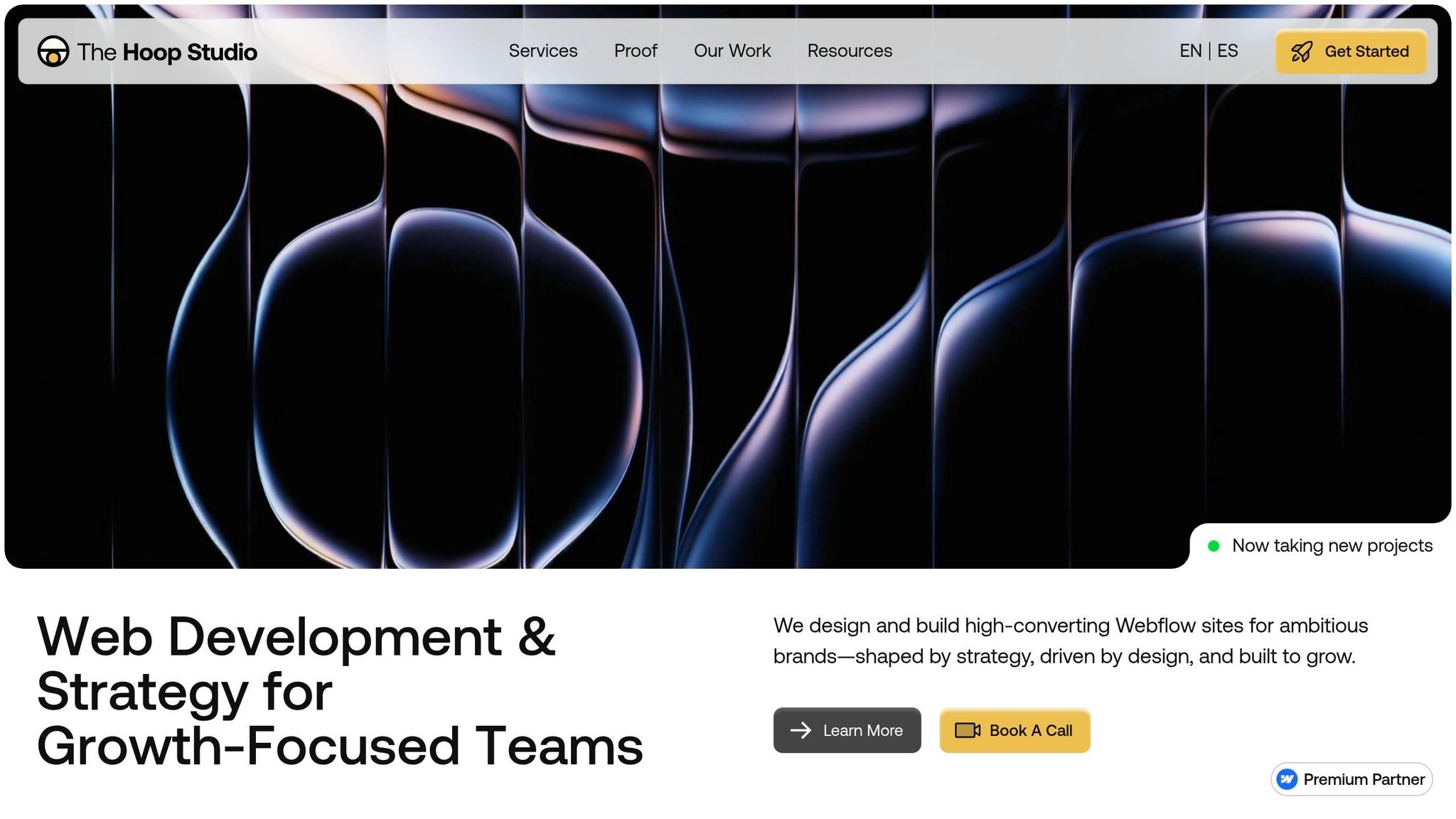

Webflow Support Retainer Tiers Comparison: Features and Pricing
For teams juggling regular updates, campaign execution, and ongoing site optimization, a retainer provides direct access to skilled developers and designers. The Hoop Studio's Webflow retainer is tailored for fast-paced teams - whether you're rolling out paid ad campaigns, experimenting with landing pages, or scaling your marketing efforts. It’s a practical solution to the maintenance challenges mentioned earlier.
The retainer covers all the essentials for ongoing Webflow design and development. This includes creating landing pages for campaigns and ads, managing CMS updates, fixing bugs, and improving user experience to drive conversions. You’ll also get technical SEO support focused on site structure, speed, and semantic markup, along with analytics and tracking integrations to maintain peak site performance.
Everything is built directly in Webflow using a scalable Client-First setup. This ensures fast load times, clean semantic markup, and reusable components that your team can easily work with. Beyond the technical side, the retainer includes strategic web advice on site structure, naming conventions, and performance optimization. Communication is seamless with direct Slack access, monthly planning calls, and detailed handover notes. This approach not only avoids costly technical missteps but also supports consistent marketing growth.
The Hoop Studio offers three retainer tiers to fit different needs:
Marketing teams often need to move quickly - launching campaigns, testing ideas, and making adjustments based on results. This retainer is designed to match that speed, acting as an extension of your team to handle the technical work while you focus on strategy and growth. Instead of waiting weeks to onboard freelancers or navigate internal bottlenecks, you get immediate solutions for urgent tasks.
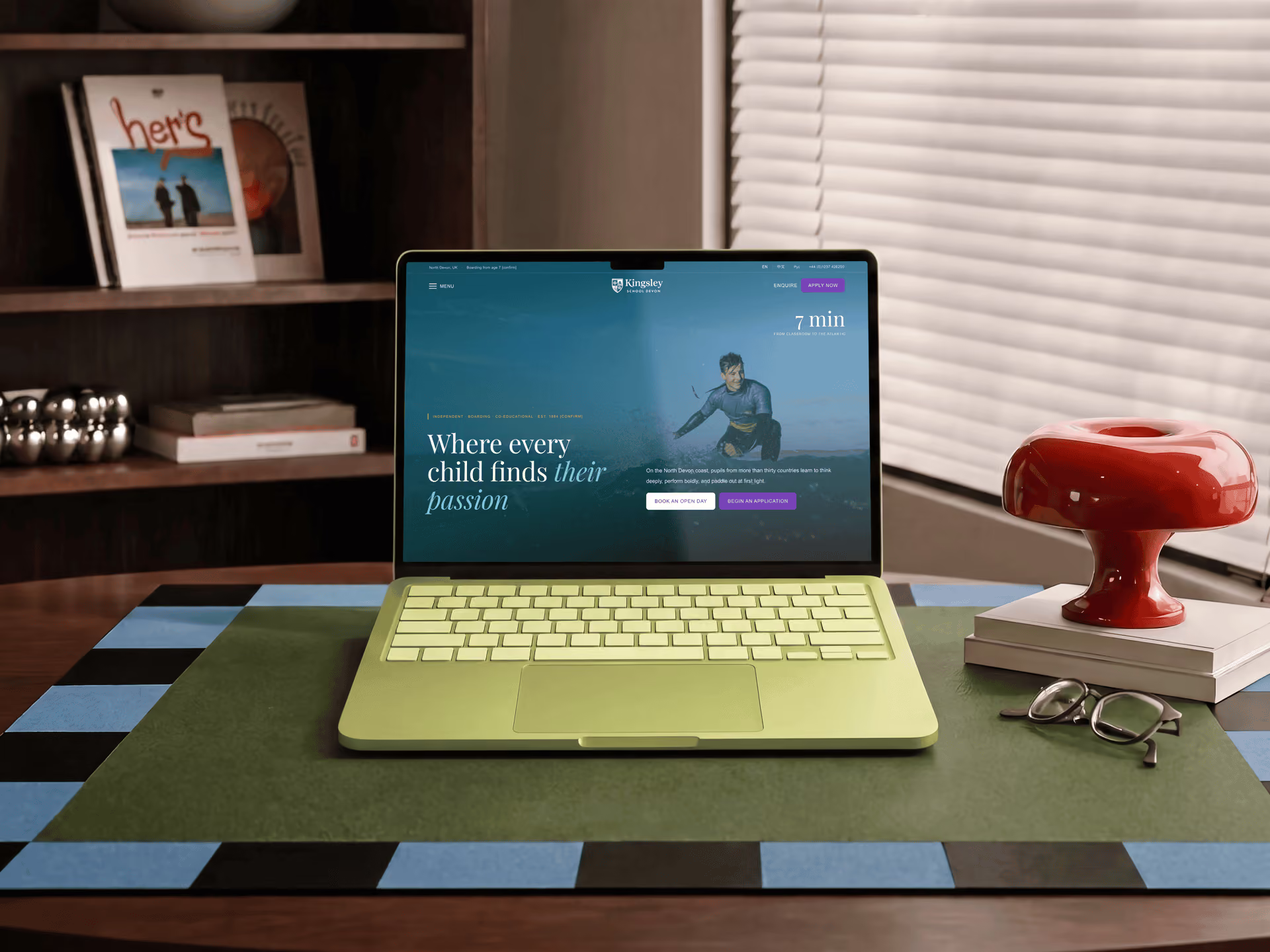
"Harry manages our website superbly with frequent redesigns of pages, immediate response on last-minute requests, and much creative genius to bring our site alive, all of which has significantly boosted our SEO and drawn visitors to the site." - Rob P, Headmaster, Kingsley Devon
With scalable infrastructure and reusable components, you can quickly launch updates and new pages while keeping your site’s structure intact.
Ongoing Webflow support isn't just about keeping your website running - it’s about avoiding unnecessary costs, speeding up launches, and driving measurable results. While maintenance typically costs 10–20% of the original development investment, it can deliver returns of 3–5× that amount. The real question isn’t whether support is worth it, but how quickly it pays off. Let’s dive into how proactive support can save you from expensive, unplanned issues.
Emergency fixes can be a financial sinkhole, costing 3–5× more than routine maintenance. Without a retainer, businesses often face hourly rates of $250–$350 for urgent repairs and have to wait in standard support queues. In contrast, retainer clients get priority service. And the real kicker? Downtime can cost businesses far more than those hourly rates. Over 90% of organizations estimate downtime costs exceed $300,000 per hour, with large enterprises losing up to $23,750 per minute.
Proactive support also helps prevent "silent failures" - those unnoticed issues that quietly drain revenue. Imagine a broken lead-generation form or a failed CRM integration going undetected. The result? Thousands of dollars in lost opportunities. One healthcare client avoided a $2.3 million HIPAA violation fine thanks to their agency’s security monitoring, which quickly neutralized a breach attempt. Another example: an e-commerce client saw a 47% improvement in page load times and a 23% boost in conversion rates after implementing performance and hosting optimizations. These proactive efforts ensure your website remains a reliable revenue driver.
A solid support retainer can remove bottlenecks, allowing marketing teams to execute campaigns faster. Instead of waiting weeks to onboard freelancers or navigate approval processes, teams with retainers can launch campaigns in just hours. For example, Getaround launched new pages weekly, driving a 25% increase in overall traffic and doubling their organic traffic. Similarly, Rakuten’s team cut site modification time from 4–5 hours to just 20 minutes, enabling faster updates.
These time savings add up. Walker & Dunlop experienced a 56% increase in lead-generating form fills after turning their static site into a dynamic tool. Meanwhile, Impact Dog Crates achieved an 80% year-over-year boost in conversions through continuous AI-driven testing. The ability to act quickly on growth opportunities can make a significant difference over time.
Beyond quick fixes and campaign acceleration, ongoing Webflow support lays the groundwork for sustained business success. A well-maintained website transforms from a technical headache into a revenue-generating asset. For instance, continuous optimization efforts led to a 20% increase in both conversion rates and organic traffic for Lattice. Typeform saw a 98% improvement in their technical SEO score and began launching pages three times faster. These improvements don’t just support marketing - they enable it.
"Webflow empowers us to do what we do best as marketers… it strips away the technical complexity and unleashes us to be creative, try new things, and iterate quickly." - VP of Digital Marketing, Walker & Dunlop
The benefits extend far beyond immediate wins. NatureMetrics, for example, used their Webflow-powered growth strategy to scale their digital presence, contributing to a successful $25M funding round in 2024. For scaling businesses, the cost of a retainer is minimal compared to the potential losses from a single critical failure. Even more, it positions your website as a competitive advantage rather than a maintenance burden.
The choice to invest in ongoing Webflow support depends heavily on your website's purpose and how integral it is to your business operations. If your site is a simple, static hub with minimal updates, you might manage just fine without a support retainer. However, if your site is a key player in marketing campaigns, handles complex integrations, or requires frequent updates, ongoing support becomes more than just helpful - it’s essential for maintaining momentum and achieving growth.
Consider these numbers: 70% of software development projects need ongoing support after launch, and 75% of users judge a business’s credibility based on its website design. A slow-loading page or a broken form doesn’t just frustrate users - it can directly impact your revenue. With traditional maintenance models, 60–70% of the time is spent on technical fixes. By contrast, Webflow retainers dedicate 70–80% of their time to growth-focused tasks like creating landing pages and optimizing conversions. This shift ensures your site remains a solid foundation for marketing campaigns and long-term success.
The Hoop Studio offers more than just technical support - it integrates seamlessly with your marketing team. With a Client-First setup for scalability, guaranteed 48-hour project kick-offs for Professional partners, and real-time communication through Slack, you won’t need to reintroduce your brand every month.
"The Hoop Studio executed our website rebuild with excellent communication, speed and strategic insight, always respecting and swiftly implementing our business needs." - Sam R., Co-Founder, KLEF
For businesses aiming to scale quickly, continuous support isn’t just a luxury - it’s a necessity. Is your website keeping up with the speed of your marketing? Are you testing new pages, launching campaigns, or expanding rapidly? A retainer isn’t just a cost - it’s an investment in staying competitive. If you’re uncertain, consider starting with the Essentials Partner tier at $2,500/month and scaling up as your needs evolve.
A Webflow support retainer typically covers essential tasks such as minor updates, bug fixes, performance optimization, security monitoring, vulnerability checks, and strategic website management. These services work together to keep your website running smoothly, staying secure, and evolving alongside your business objectives.
To spot “silent failures” on your Webflow site, keep an eye on key performance metrics and look out for problems like broken tracking codes, outdated scripts, or misconfigured APIs. The developer console can be a useful tool to uncover hidden errors or confirm that integrations - such as forms or analytics - are working as they should. Performing regular site audits and staying on top of proactive monitoring can help you catch these issues early, keeping your site dependable and running smoothly.
To figure out the ROI of ongoing Webflow support, focus on measurable outcomes like higher revenue from improved site performance, lower costs, and quicker project rollouts. Routine maintenance helps avoid performance hiccups, streamline operations, and improve conversion rates. Leverage tools to calculate ROI by factoring in website expenses, visitor data, and conversion rates. This approach ensures that your Webflow support aligns with your business objectives and delivers long-term benefits.